




Adarsh explains a simple way to turn your old phone into a home security camera…
Everyone has old phones lying around in unused drawers, catching dust. So, instead of letting it go to waste or recycling it as e-waste, how about you repurpose it into a home security camera?
It’s a simple, low-cost DIY solution that can be useful to monitor your house, your kids or even your pets – when you’re not around.
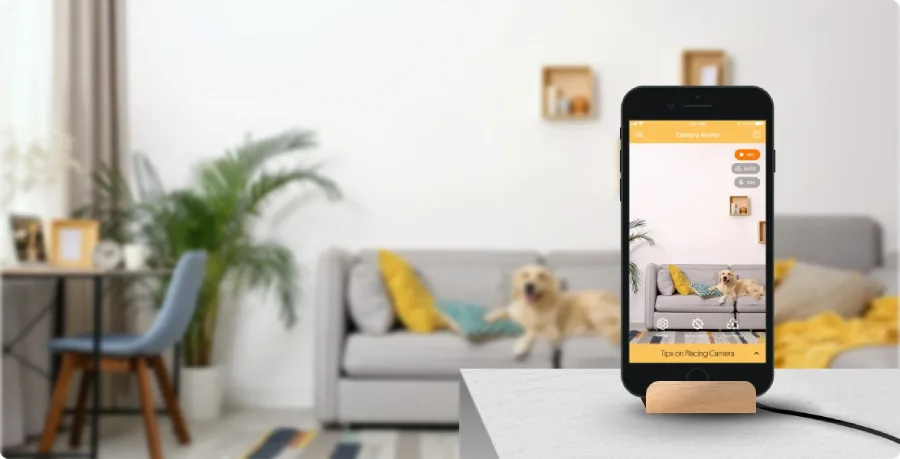
Why turn your Old Phone into a Security Camera
It’s always good to have a security camera at home. And what better than one that’s absolutely free!
Old smartphones are the best option because they have good camera, they support Wi-Fi and they’re lying unused somewhere at home.
By converting it into a security camera, your house stays protected, you reduce your e-waste and also set up the whole thing for no cost at all!
What You will Need to Set it up
To set up your very own security camera, all you need are the following:
- An old smartphone to act as the camera
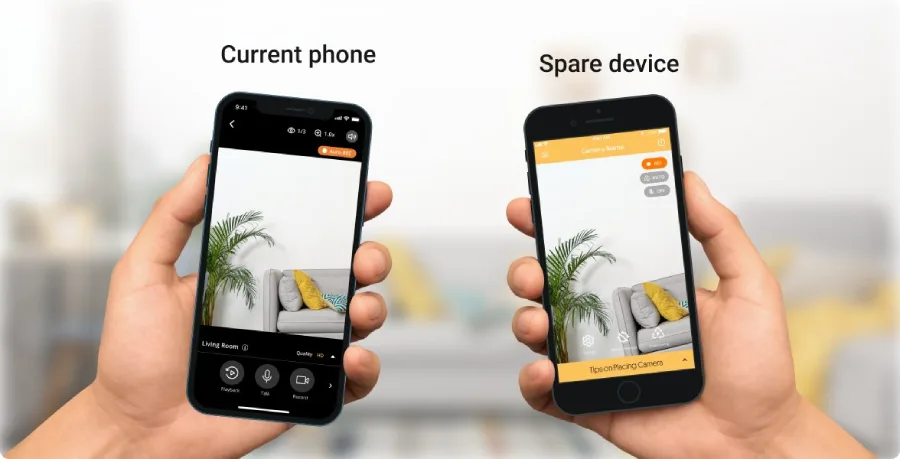
- Your current phone to capture the feed
- A Wi-Fi connection
- A third-party security camera app
How to Set up your Security Camera
Reset your old phone as that would improve performance. Connect it to the Wi-Fi and preferably connect the charger as the battery performance might not be great on your old phone and you will need It for round the clock surveillance.
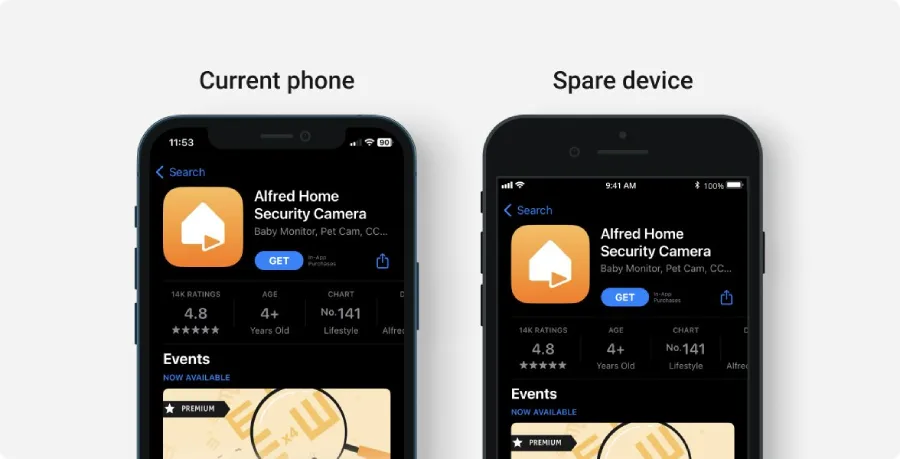
Go to the app store and install a security camera app. Alfred Camera, AirDroid Personal, Pro-Vue and Wyze are recommended options but you may select anything that suits your needs. These apps have video streaming as well as recording and also have motion sensor alerts.
Sign in on both phones with the same account. Set the old phone as the Camera device and the new one as the Viewer. Once the pairing is done, place the old phone from where you want to keep watch. Pick a mounted spot to avoid tampering and interference. You can adjust settings like motion sensor and notifications as per your needs.
Tips for Better Monitoring
If you have multiple old phones, you can pair them all and place them around the house for monitoring from multiple angles. Use a long cable or power bank if the wall outlets are far from the device.
Certain apps offer two-way audio and cloud storage for recordings. As mentioned earlier, browse through options on the app store and pick an app that suits your needs.
The Last Word
One can never be too safe. Having a security camera at home is never a bad idea. You can keep watch over your house, your kids or even your pets. With this simple DIY project, you can strengthen the security around your house and you can achieve this without spending a buck!
In case you missed:
- No More Budget Phones: India is Buying Premium Phones Now
- Cool Things You Didn’t Know Your iPhone Could Do
- Elon Musk wants to ensure your phone never loses signal in India
- Governments move to rein in social media and AI for children
- AI Glasses are Here. So Is the Privacy Problem
- Inside Landfall: The Spyware that Hijacked Galaxy Phones without a Click
- Your shared Claude chats could end up on Google soon
- Why You Should Never Reuse Passwords
- From Smartphones to AI Hardware: India’s Next Manufacturing Bet
- From Trailers to Swipes: How Short-Form Video is Changing Movie Discovery







1 Comment
fine choice for the office!